

Magento 2 is a flexible and versatile eCommerce platform, which empowers the store owners to incorporate custom features and functionalities as per their requirements.
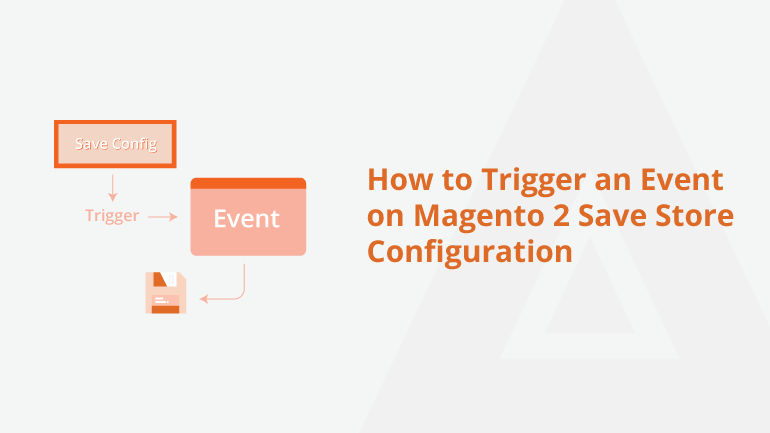
By default, Magento 2 triggers the admin_system_config_changed_section even as soon as the admin saves the configuration. If you are a Magento 2 developer working on a custom third party development, you may wanto verify the data before saving the configuration in the admin panel. For instance, you want to throw an error when the admin saves the configuration if a specific library is not present. In such cases, you may want to trigger an event on Magento 2 save store configuration. To do that, you need to tweak the codes in the system.xml, event.xml, and ConfigChange.php files. I have posted a complete blog post on it. You can read it at : https://meetanshi.com/blog/trigger-an-event-on-magento-2-save-store-configuration/
Thursday, July 14, 2022
How to Trigger an Event on Magento 2 Save Store Configuration



No comments:
Write comments